Progress bar
Introduction
The following tutorial explains how to create and modify a progress bar widget. Progress bars are mainly used to show how much something has progressed as the name suggests. They could also be used to display data along a flat bar however this isn’t the best way to do so.
Creating a progress bar
To create a progress bar, use the following widget command:
[gui.CTRL_PROGRESS, x, y, width, height, num, scale]
Input Parameters:
x [int] = x coordinate
y [int] = y coordinate
width [int] = integer for the distance for x to draw to.
height [int] = integer for the distance for y to draw to.
num [int] = The value of the num to be scaled on the bar.
scale [int] = The scale for the bar.
This small example program shows how this is displayed:
import gui
num = 10
progress = [gui.CTRL_PROGRESS, 250, 150, 300, 25, num, 100]

gui.show([
    progress,
])
Colouring a progress bar
To colour a progress bar use:
gui_utils.BG_COLOUR(0xFF0000)
For the background of the bar
[gui.DL_COLOR_RGB(255,255,255)]
For the bar itself.
Example program
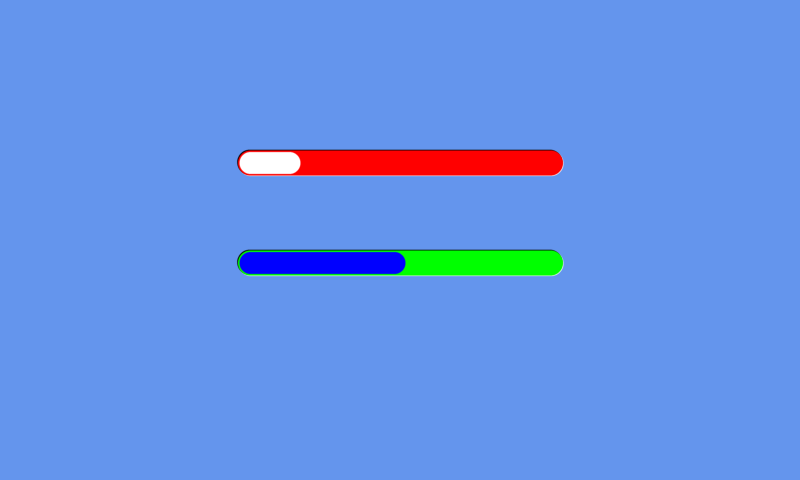
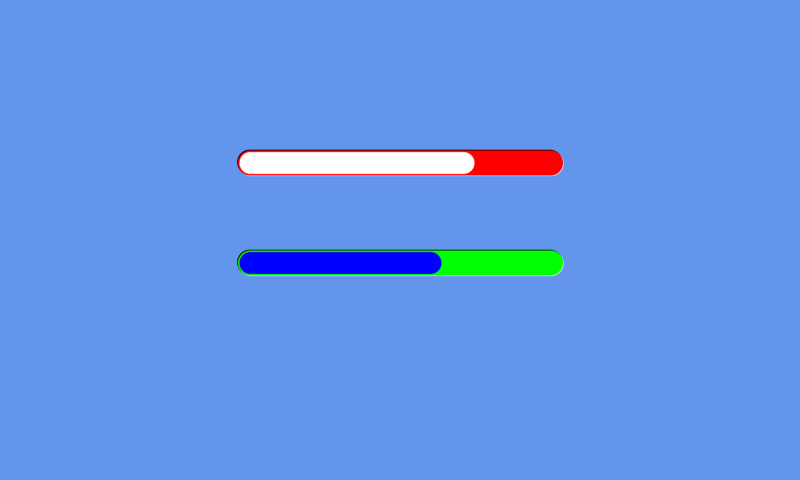
This program creates 2 bars and has them progress, 1 at a constant rate before resetting and the other one progresses every time the top bar gets to its end.
import gui
import gui_utils

# create 2 progress bars
progress = [gui.CTRL_PROGRESS, 250, 150, 300, 25, 0, 100]
progress_of_progress = [gui.CTRL_PROGRESS, 250, 250, 300, 25, 0, 25]

# every frame
def vsync_cb(l):
    # add 1 to the top bar
    progress[5] = progress[5]+1
    # when the top bar = 100 then reset to 0 and add 1 to the bottom bar
    if progress[5] > progress[6]:
        progress[5] = 0
        progress_of_progress[5] = progress_of_progress[5]+1
    # when the bottom bar = 100 then reset to 0
    if progress_of_progress[5] > progress_of_progress[6]:
        progress_of_progress[5] = 0

    gui.redraw() # redraw with new values

gui.show([
    [gui.EVT_VSYNC, vsync_cb],
    gui_utils.BG_COLOUR(0xFF0000), # red background
    [gui.DL_COLOR_RGB(255,255,255)], # white bar
    progress,
    gui_utils.BG_COLOUR(0x00FF00), # green background
    [gui.DL_COLOR_RGB(0,0,255)], # blue bar
    progress_of_progress,
])