Hot Text
Introduction
This page shows how to make a hot text object. Hot text is used to display text that when pressed on creates a callback to a function.
Creating hot_text
To create some hot_text you need to use the following:
text = [gui.CTRL_HOT_TEXT, x, y, font_size, option, text, cb_func]
Input Parameters:
x [int] = x coordinate
y [int] = y coordinate
font [int] = font of the text.
option [int] = option for widget, see Options for more details
text [string] = string that will be displayed as the text widget. Can only use ASCII characters.
cb_func [func] = callback function to be triggered when a press has been released.
As you can see this is much the same as CTRL_TEXT however this also allows for a callback function.
To colour this it is the same as it is for a regular text object and hence uses:
[gui.DL_COLOR_RGB(255,0,0)] # red text colour
Example
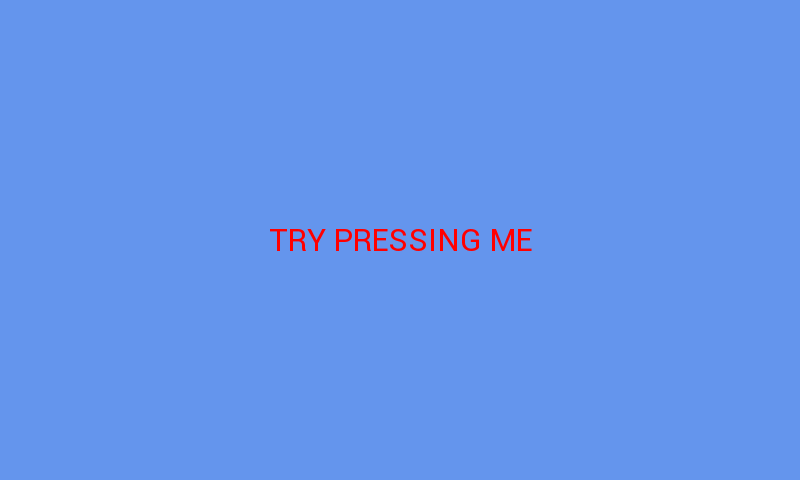
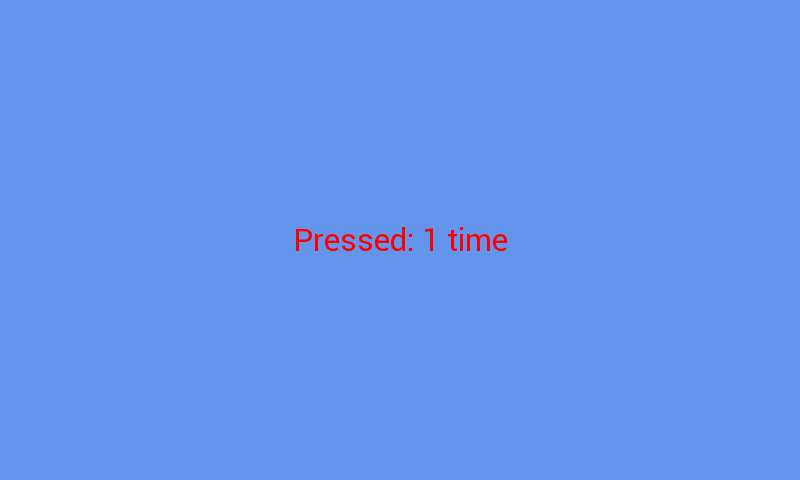
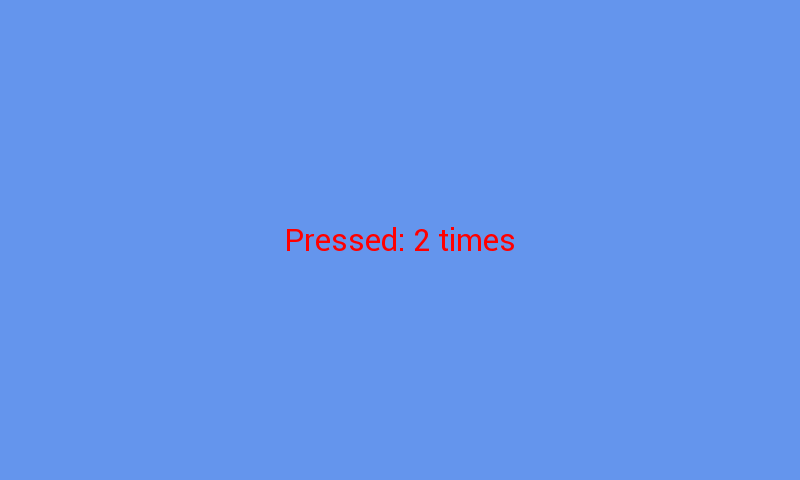
The example below creates text that when pressed states how many times it has been pressed.
import gui

counter = 0

def hello_world_cb(b):
    global counter
    counter +=1
    if counter == 1:
        text[5] = "Pressed: {} time".format(counter)
    else:
        text[5] = "Pressed: {} times".format(counter)

# sets the text to be at 400, 240, size 30 font,
# centred around the coords with the message: HELLO WORLD
# with a callback that prints pressed to the terminal
text = [gui.CTRL_HOT_TEXT, 400, 240, 30, 1536, "TRY PRESSING ME", hello_world_cb]

gui.show([
    [gui.DL_COLOR_RGB(255,0,0)], # red text colour
    text,
])
Further examples
scroll.py - when you press the text on the left it displays on the right in a regular text object.