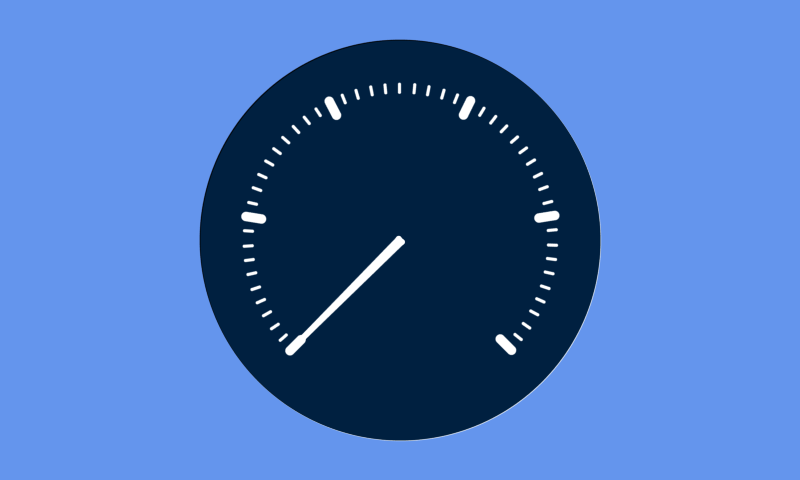
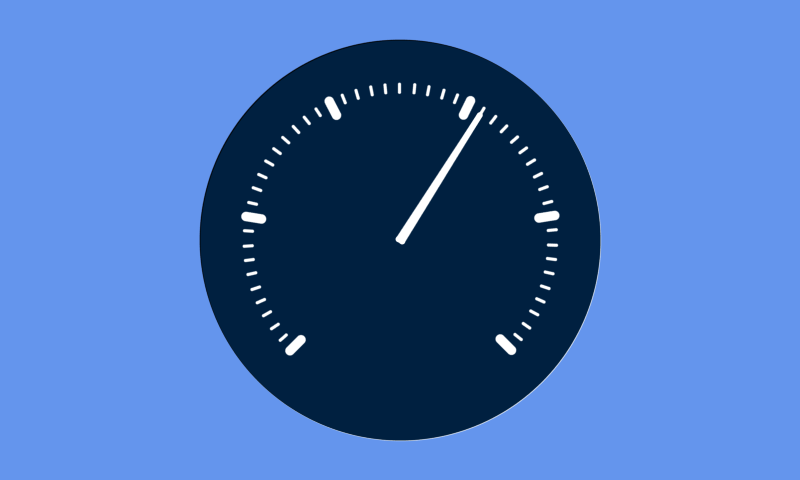
Gauge
Introduction
This tutorial explains how to create a gauge object. The gauge object is most often used for displaying information on a scale. It is often clearer to use something else as the gauge doesn’t display numbers showing the values of the points and doesn’t provide that much customisability on the display. But if you want a simple gauge this is much simpler than coming up with your own.
Creating a gauge
To create a gauge you need to use the following:
[gui.CTRL_GAUGE, x, y, radius, mjr_div, min_div, val, max],
Input Parameters:
x [int] = x coordinate of the centre
y [int] = y coordinate of the centre
radius [int] = radius in pixels of the dial
mjr_div [int] = Amount of major divisions. Can be any value from 0-9.
min_div [int] = Amount of minor divisions between major divisions. Can be any value from 0-9.
val [list[int]] = The current value of the gauge.
max [int] = The value of the point of the final division.
This takes the following input parameters: x coord of centre, y coord of centre, radius, major divisions, minor divisions, current value, max value.
Note:
The max value is not the max value for the current value but more the maximum on the scale. Any number larger will not be scaled properly due to the 90° after the 270° that is not included when calculating. This could be factored in by adding the max value/4 into the value.
Example
It needs to be redrawn to be given a new value for example in the program below that shows the current number of frames passed up to the max value of 300 and then resets itself after reaching this max value:
import gui

def vsync_cb(l):
    if App.val == App.max_value:
        App.val = 0
    else:
        App.val+=1

    App.gui_l[1] = [gui.CTRL_GAUGE, 400, 240, 200, 5, 10, App.val, App.max_value]
    gui.redraw()

class App:
    max_value = 300
    val = 0
    gui_l = [
        [gui.EVT_VSYNC, vsync_cb],
        [gui.CTRL_GAUGE, 400, 240, 200, 5, 10, val, max_value]
        ]

gui.show(
    App.gui_l,
)