Debugging Code
Errors
If something is wrong with your code normally an error message will be shown on the screen, the below snippet is taken from the console but will look the same as the screen.

This error message will state what the error is and where in your code the issue is by including a filename and line number, it also shows what function called this code. In the example above the error is a TypeError and it shows the error is in file main.py and line number 2.
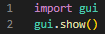
In this case, the error was caused by not passing a value to gui.show():
Sometimes an error will occur that does not display on the screen, in this case, you can view the error through the console.
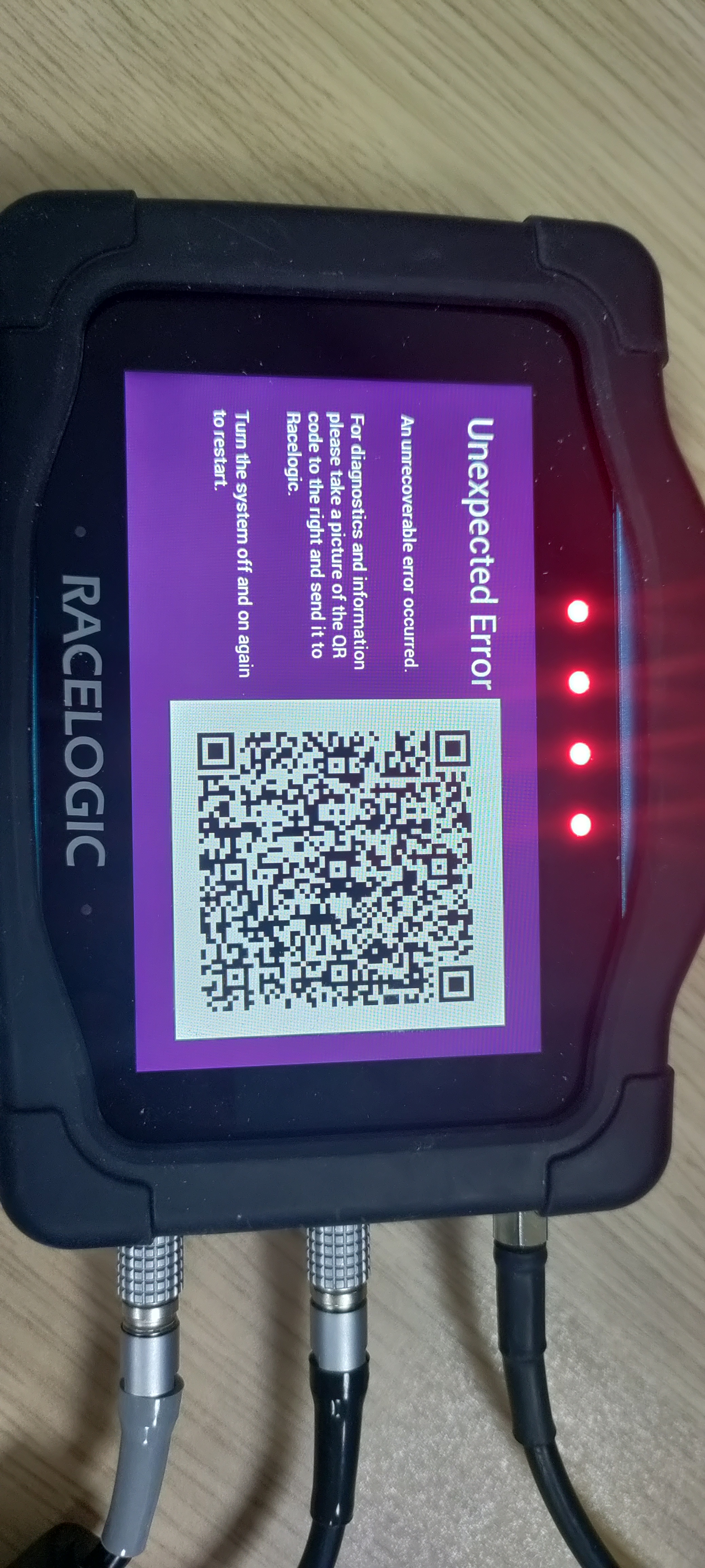
Core panic
In extreme cases, an error in the code can cause the underlying system to suffer an exception, in this case, an unexpected error message will be displayed on the screen along with a QR code. In the event of this occurring try to identify what new code or change has caused this issue to occur. If you are unable to identify the exact cause of the issue please contact Racelogic Support providing your code, replication instructions and a copy of the QR code as well as any debug output if available.