Screenshot
Applies to:
All variants
Introduction
The VBOX Touch and its variants allow you to create a screenshot using your code (if you wish to program this), or the inbuilt screenshot library to make screenshots of your current VBOX Touch screen.
This library stores this as a .bmp file.
Note
This program does not account for the brightness set using the backlight library.
Sometimes the screenshot program can be quite slow and could hence cause lag in your program, this can be particularly problematic in programs that are logging.
screenshot_cb
This is the function used when trying to create a screenshot.
screenshot.screenshot_cb(l)
Input Parameters:
l[tuple] = Is the callback data. Not used in the function so when not used directly from a button just use None.
To use this with a button it is very simple, you can use the following code snippet:
import gui
from screenshot import screenshot_cb

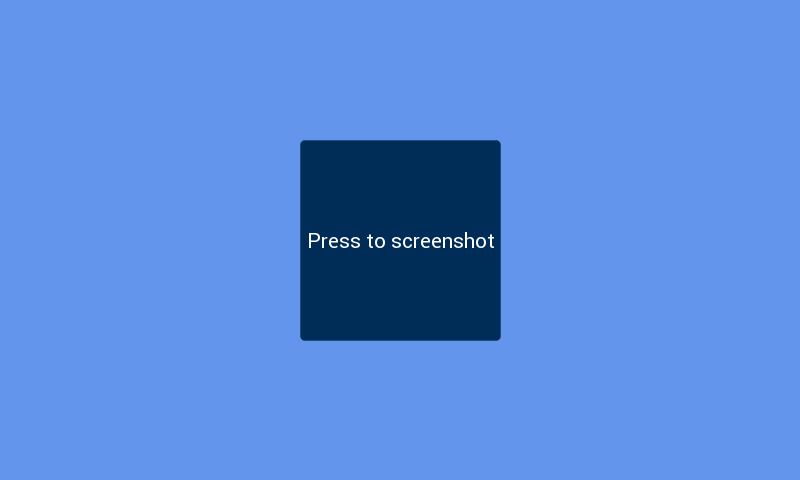
screenshot_button = [gui.CTRL_BUTTON, 300, 140, 200, 200, 28, "Press to screenshot", screenshot_cb]

gui.show([
    screenshot_button
])
This will create a button on the screen that when pressed will take this screenshot: