Clock
Introduction
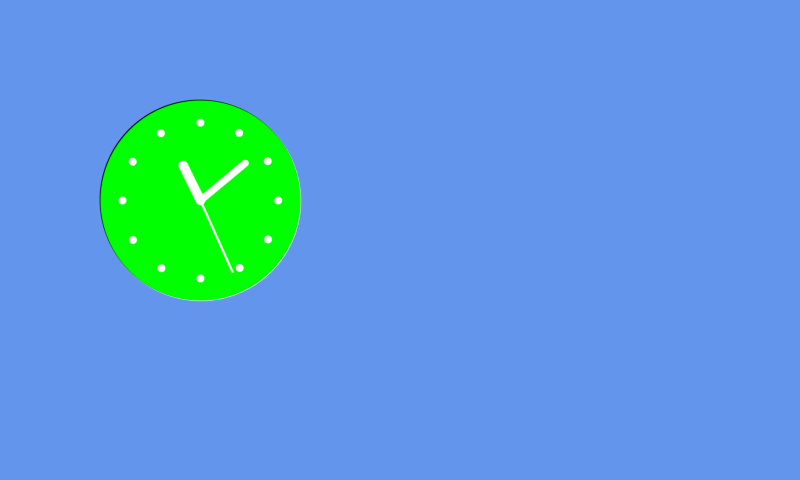
This page will show you how to make a clock graphic object. The main use is to show the time.
Creating a clock
To create a clock widget use the CTRL_CLOCK function of gui:
clock = [gui.CTRL_CLOCK, x, y, radius, disp_hand, hour_ticks, face_bckgnd, sec_pass]
Input Parameters:
x [int] = x coordinate of the centre
y [int] = y coordinate of the centre
radius [int] = radius in pixels of the clock
disp_hand [bool_int] = 0 - don’t display seconds hand, 1 - display seconds hand
hour_ticks [bool_int] = 0 - don’t display hour ticks, 1 - display hour ticks
face_bckgnd [bool_int] = 0 - don’t display face background, 1 - display face background
sec_pass [int] = the current time past midnight in seconds
The background colour and marker colours can be changed using:
[0xffffff09, gui.DL_COLOR_RGB(0,255,0)], # background colour
[gui.DL_COLOR_RGB(255,255,255)], # hands and ticks colour
Example
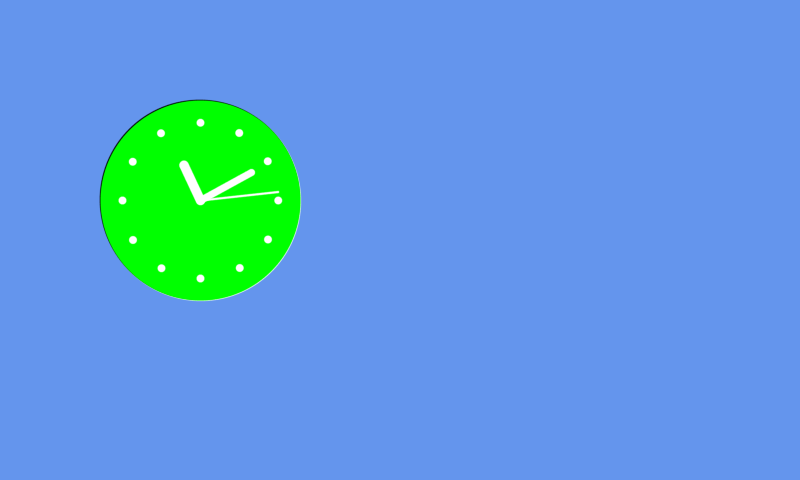
The example below shows a live updating clock that takes the data from the clock module in the vts library:
import gui
import vts

def vsync_cb(l):
    time = vts.clock_get()
    time_in_sec = (time['hours']*3600) + (time['minutes']*60) + time['seconds']
    if clock[7] != time_in_sec:
        clock[7] = time_in_sec
        gui.redraw()

clock = [gui.CTRL_CLOCK, 200, 200, 100, 1, 1, 1, 100]

gui.show([
    [gui.EVT_VSYNC, vsync_cb],
    [0xffffff09, gui.DL_COLOR_RGB(0,255,0)], # background colour
    [gui.DL_COLOR_RGB(255,255,255)], # hands and ticks colour
    clock,
    [gui.DL_POINT_SIZE(5)],
    [gui.PRIM_POINTS,[gui.DL_VERTEX2F(10,10)]],
])