Events
There are 4 types of event commands (EVT). These are PRESS, REDRAW, VSYNC and SWIPE. They all take an input of a callback function. Usually, this is their name followed by _cb
Press
The press event is initiated by a global press value that becomes true when someone presses the screen. It is called on press, hold and release. It calls the press_cb function and returns information about the press. This used most often for determining when a long press has occurred.
[gui.EVT_PRESS, press_cb]
The callback function is passed an int tuple variable that we typically name press_info in the parameters:
def press_cb(press_info):
    print(press_info)
The data it returns is in the following format: (type of press, press value, time press, x coord, y coord)
You can find the explanation for each of these data items below:
type of press = The press event that is currently taking place. This can be 1 of 3 numbers, 0 = no press, 1 = initial press/release, 2 = long press.
press value = The press value is the tag value of the item pressed on the screen. This is between 0-255 (inclusive). The values of 0 and 255 are preassigned. 255 is devoted to a screen press with no items in front of it (the background).
time press = This can be one of 3 types depending on when it was pressed. The time value from an initial press is the time between the current press and the previous one. The time value is the length of the press in seconds during a long press. Finally the end value of time is the length of the press in milliseconds.
x coord = The x coord of where you pressed on the screen in pixels.
y coord = The y coord of where you pressed on the screen in pixels.
Note:
When the press is released this will also have a type of press of 1.
The program below shows an example of this being used to show the length of a button press.
import gui

press_info = [gui.CTRL_TEXT, 200, 250, 30, 0, 'No press']
def press_cb(press):
    global pressing
    if press[0] == 1:
        print(press)
        press_info[5] = "Pressing"
    elif press[0] == 0:
        print(press)
        press_info[5] = 'No press'
    else:
        print(press)
        press_info[5] = "Long press: {}".format(press[2])

gui.show([[gui.EVT_PRESS, press_cb], press_info])

Redraw
The redraw event is initiated by the call of the function gui.redraw(). It will call the default redraw callback which will update the screen with any alteration you have made as well as trigger any redraw callback you have assigned.
[gui.EVT_REDRAW, redraw_cb]
The callback is not very useful. Most of what is put in this callback is instead put into vsync_cb.
def redraw_cb(l):
    pass
The redraw event is most often triggered by vsync_cb as it means it will try to update at the refresh rate of the screen which is 60fps.
import gui

def vsync_cb(l):
    gui.redraw()

gui.show([
    [gui.EVT_REDRAW, redraw_cb],
    [gui.EVT_VSYNC, vsync_cb],
])
Swipe
The swipe event is similar to the press event in that it is triggered by a user. It is initiated by a swipe length that has covered more pixels than the value assigned to it (distance_to_count_as_swipe). This event is passed 2 variables. The first being the distance covered to trigger a swipe. The second is the callback function to trigger after it does so.
distance_to_count_as_swipe = 200
[gui.EVT_SWIPE, distance_to_count_as_swipe, swipe_cb]
The callback function is passed 2 variables by the event. The first of these is the entire gui list, which is not useful at all. The second is the information about the current state of the swipe, either starting (True) or being let go (False).
def swipe_cb(l, swipe_state):
    print(swipe_state)
The most useful thing for the swipe_cb to make use of is:
gui.swipe_info()
This returns a tuple containing:
swiping = This is always False as it changes before the swipe_cb
x0 = The x coordinate of where the swipe started
y0 = The y coordinate of where the swipe started
dx = The change in x
dy = The change in y
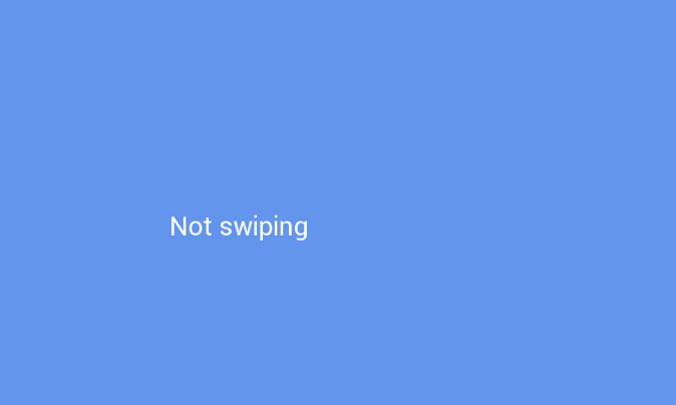
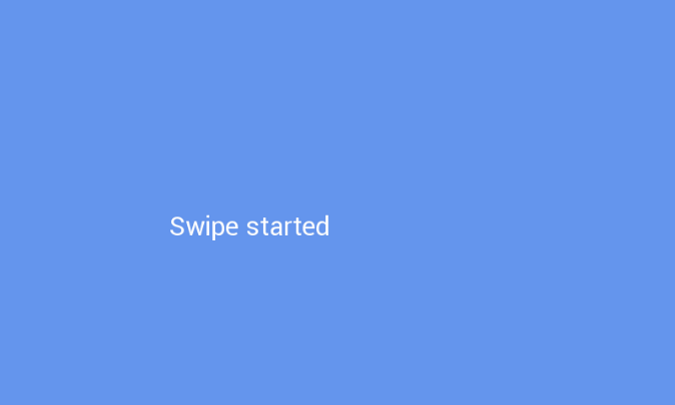
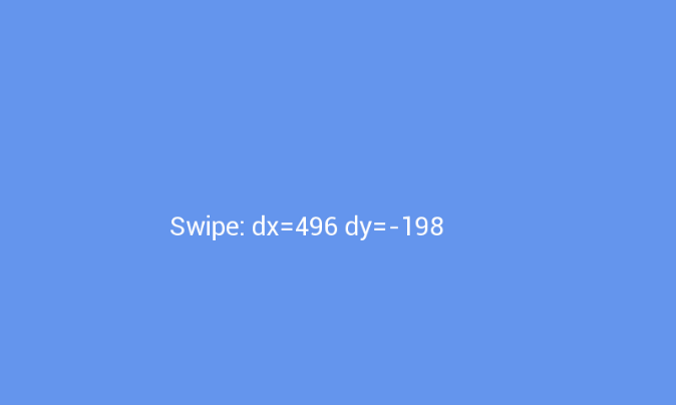
The program below demonstrates this functionality:
import gui

swipe_info_l = [gui.CTRL_TEXT, 200, 250, 30, 0, 'Not swiping']
def swipe_cb(l, swipe_state):
    # print(l)
    info = gui.swipe_info() # get the information about the swipe
    print(info) # print to serial, used to check data

    if swipe_state: # display swipe started when one is long enough
        swipe_info_l[5] = 'Swipe started'
    else: # when swipe done display data
        swipe_info_l[5] = 'Swipe: dx={} dy={}'.format(info.dx, info.dy)

gui.show([
    [gui.EVT_SWIPE, 200, swipe_cb], # has to be at least 200 long to count as a swipe
    swipe_info_l
])
Vsync
The vsync event is triggered automatically at a rate of the refresh rate of the screen, this is 60Hz for the VBOX Touch so the event will trigger 60 times a second.
[gui.EVT_VSYNC, vsync_cb]
The callback function is passed a single variable that has very minimal use.
def vsync_cb(l):
    pass
The vsync_cb function is most often used to update some form of data on the screen.
The program below demonstrates some basic functionality of this:
import gui

frames = 0
text = [gui.CTRL_TEXT, 200, 250, 30, 0, 'Frames = 0']
def vsync_cb(l):
    global frames
    # add one as vsync_cb is called only when a name frame happens
    frames+=1
    # change to the new amount of frames
    text[5] = "Frames = {}".format(frames)
    gui.redraw() # display the change

gui.show([
    [gui.EVT_VSYNC, vsync_cb],
    text,
])